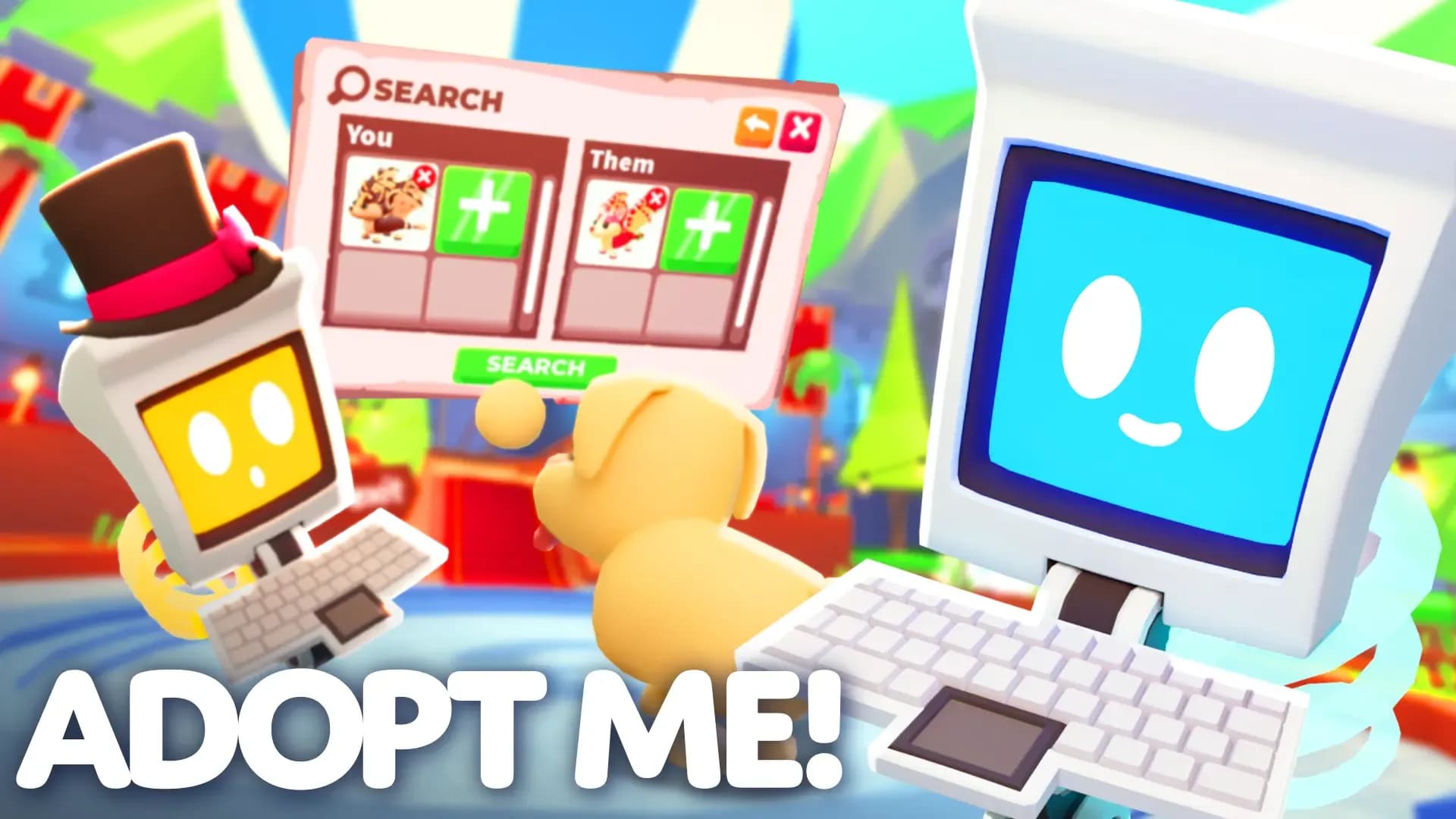

Say goodbye to constantly server hopping. The Trading Hub Update has officially arrived in Adopt Me, introducing cross-server trade listings, automated trade searches, and a Trading Phone through which you can navigate all.
Here is your complete guide on how to access the hub and make use of most of the new features!
🚁 How to Access the Trading Hub
To visit the new Trading Hub, you’ll first need to unlock your Trading Phone. You can claim it for free in the Guide once you meet these requirements:
- Play Adopt Me! for at least 2 hours.
- Complete your Trade License in the Safety Hub.
- Own at least one Neon pet.
Once claimed, equip your Trading Phone to summon a hot air balloon that will transport you straight to the Trading Hub!
🤖 Meet the Trading Bots
Inside the hub, you'll encounter two new bots designed to assist with cross-server trades:
Robo Todd (Trade Listings)
Robo Todd handles cross-server trade offers. Select what you are offering and choose what pets or items you want in return. Posting a trade listing costs 100 Bucks. You get 2 active listing slots by default. You can unlock an additional slot for 49 Robux. Check incoming offers on your listings or modify what you are asking for at any time.
Robo Rob (Trade Search)
Robo Rob lets you search through active listings posted by players across all servers. Looking for a specific pet? Simply search for it to find active trade listings. If an exact trade is not found, the search engine will still display similar relevant offers instead!
🔒 Important Trading Rules & Value Guardrails
To keep cross-server trading fair and smooth, a few new mechanics have been introduced:
- Locked Inventory Pets: When a pet is listed for trade or attached to an active offer, it becomes locked in your inventory. You cannot equip, modify, or trade it until you remove the listing or offer.
- Value Safeguards: Built-in safety features to prevent extremely unfair or spam trades (e.g., you won't be able to list a Sandwich for a Shadow Dragon).
- Phone Access: While you are in normal servers, you can open your Trading Phone to check current listings, view pending offers, and inspect your trade history. (Creating or modifying listings still requires you to visit the Trading Hub).